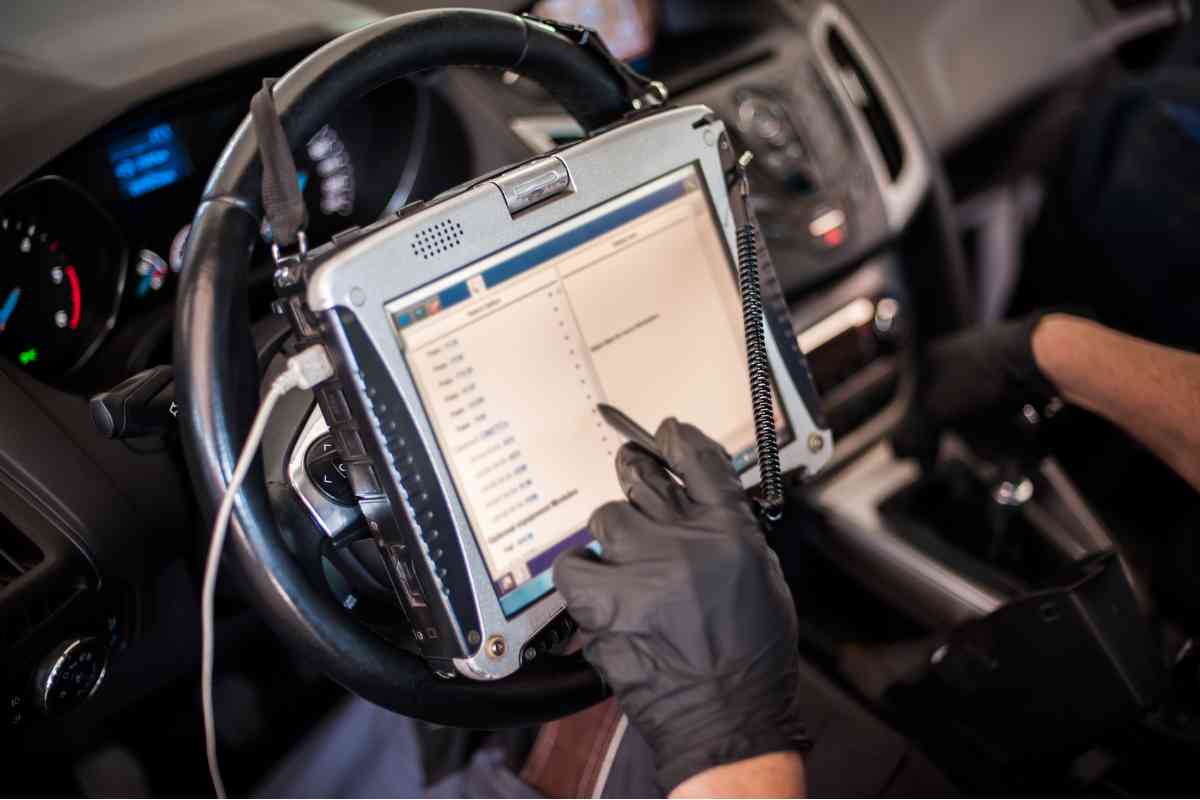
Today, we will address some of the most frustrating Chevy Cobalt computer problems. And if you own one of these, you probably already know it is a real headache.
It is true! You can NEVER own a Chevy Cobalt and not tolerate computer problems. It’s like second nature for this model.
And it can be challenging to figure out what’s wrong with your car, from check engine lights to other mysterious glitches.
In the worst-case scenario, dealerships may prioritize sales over support, which makes it challenging to find the help you need.
But don’t worry; we have got you covered.
Below is an overview of the most common Chevy Cobalt computer problems and solutions to fix them.
Chevy Cobalt Computer Problems
The Chevy Cobalt’s complex computer system controls various vehicle components, including the engine, transmission, and emissions.
Unfortunately, this advanced system is not immune to problems.
Here are some of the most common computer problems that Chevy Cobalt owners face and how they can affect the car’s performance:
1. Check The Engine Light
The check engine light can turn on for several reasons, including a faulty oxygen sensor, a loose gas cap, or a damaged catalytic converter.
Ignoring the check engine light can cause further damage to the car’s engine and lead to more costly repairs.
2. Stalling And Rough Idling
Various issues, including a dirty or faulty mass airflow sensor or a malfunctioning throttle position sensor, can cause stalling and rough idling.
These problems can impact the car’s performance and cause the vehicle to stop unexpectedly, leading to safety concerns.
3. Transmission Problems
Transmission problems can manifest in various ways, including slipping, jerking, or failing to shift gears correctly.
These issues can affect the car’s acceleration, fuel efficiency, and overall driving experience.
4. Electrical System Issues
Electrical system issues can cause problems, from dimming headlights to faulty power windows.
In some cases, the car’s computer system may be responsible for these issues, causing malfunctions in the electrical system.
5. Fuel System Problems
Fuel system problems can cause issues with the car’s fuel economy, acceleration, and overall performance.
Various factors, including a clogged fuel filter, a malfunctioning fuel pump, or a faulty fuel injector, can cause these issues.
If you’re experiencing any of these problems in your Chevy Cobalt, several solutions are available.
Solutions To Chevy Cobalt Computer Problems
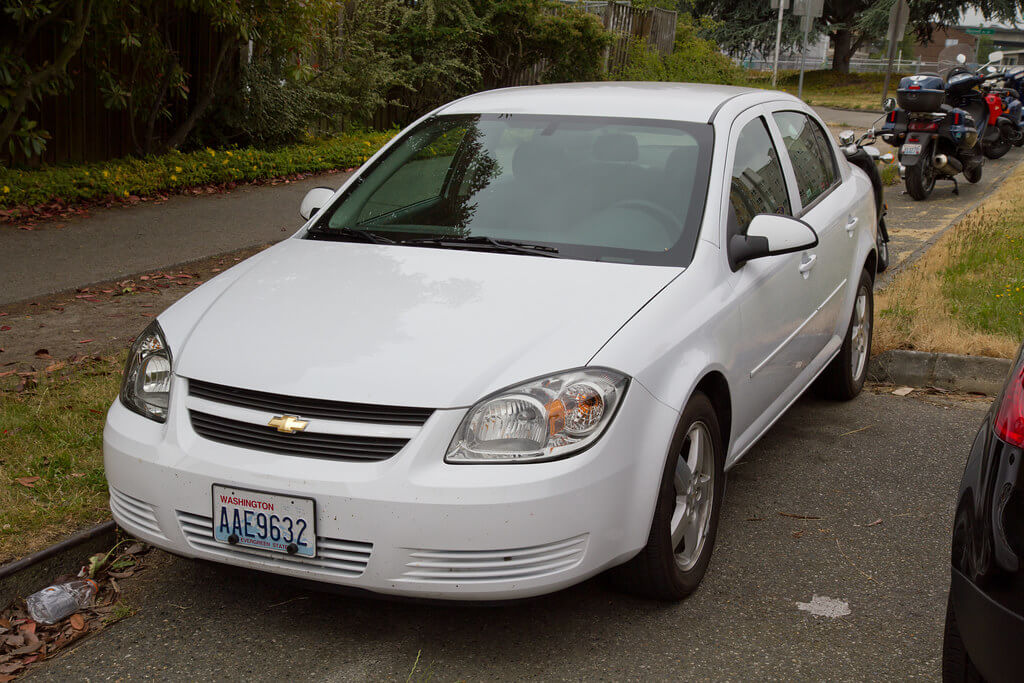
Here are Some Common Fixes That Can Help Resolve Computer-related Issues
1. Diagnostics
One of the first steps in addressing computer problems is to run a diagnostic test. This test can help identify the issue causing the pain and guide you in the right direction for repairs.
2. Software Updates
Sometimes, a software update can fix a computer problem. Check with your dealership to see if any available software updates can address your specific issue.
3. Reprogramming
If a software update doesn’t solve the problem, reprogramming the computer system may be necessary. This process involves resetting the computer system to its original settings or updating it with new settings.
4. Replacing Faulty Components
In some cases, faulty components may be the root of the computer problem. Replacing these components can fix the problem and get your car back on the road.
5. Professional Repair
For more complex issues, it may be necessary to seek the help of a professional mechanic or technician. These professionals have the expertise and specialized tools to diagnose and repair computer-related issues.
It’s essential to promptly address computer problems in your Chevy Cobalt to prevent further damage and potential safety concerns. Consider these solutions to get your car back to optimal performance.
Related: 2000 Volkswagen Jetta VR6 Problems
Frequently Asked Questions
What Is The Cost To Fix A Chevy Cobalt’s Computer Problems?
The cost to fix a Chevy Cobalt’s computer problems can vary depending on the specific issue and the severity of the problem.
Simple fixes such as software updates or reprogramming may cost less than replacing faulty components.
It’s challenging to provide a general estimate of the cost of repairs without first diagnosing the specific issue.
A diagnostic test may cost anywhere from $50 to $100, and repairs can range from a few hundred to a few thousand dollars.
Furthermore, to minimize the cost of repairs, it’s essential to address computer problems promptly to prevent further damage to the vehicle.
It’s recommended to get a professional opinion and estimate from a qualified mechanic or dealership to better understand the cost of repairs for your specific Chevy Cobalt computer problem.
How Can I Prevent Computer Problems In My Chevy Cobalt?
Preventing computer problems in your Chevy Cobalt can help you avoid costly repairs and unexpected breakdowns.
Here are some tips to help prevent computer problems in your vehicle:
Regular Maintenance: Following your manufacturer’s recommended maintenance schedule can help keep your vehicle’s computer system in good condition. Regular oil changes, air filter changes, and tune-ups can help prevent computer problems.
Avoiding Aftermarket Modifications: Modifying your Chevy Cobalt’s computer system with aftermarket parts or software can increase the risk of computer problems. Stick with OEM parts and software to minimize this risk.
Safe Driving Practices: Avoiding aggressive driving, avoiding excessive idling, and using quality fuel can help keep your vehicle’s computer system in good condition.
Keeping Your Battery Charged: A weak or dead battery can cause computer problems in your Chevy Cobalt. Regularly check your battery and replace it as needed to prevent this issue.
Protecting Your Vehicle From Extreme Temperatures: Extreme hot or cold temperatures can damage your computer system.
Parking in a garage or shaded area can help protect your vehicle from these conditions.
By following these tips, you can help prevent computer problems in your Chevy Cobalt and extend the life of your vehicle’s computer system.
Are Chevy Cobalt Computer Problems Covered Under Warranty?
Chevy Cobalt computer problems may be covered under warranty, depending on the specific issue and the warranty coverage.
If the Chevy Cobalt is still under the manufacturer’s warranty, some computer problems may be covered.
However, warranty coverage varies, so reviewing your warranty information carefully or contacting the dealership to confirm if your specific issue is covered is essential.
Common computer problems may be covered under a powertrain or an emissions warranty.
If your Chevy Cobalt is no longer under warranty, you’ll be responsible for the cost of repairs.
In this case, it’s essential to get a professional diagnosis and estimate from a qualified mechanic or dealership to understand the cost of repairs.
Regularly caring for your Chevy Cobalt may help prevent computer problems and guarantee that any issues are identified and addressed promptly to prevent further damage.
How Often Should I Have My Chevy Cobalt’s Computer System Checked?
Regular maintenance of your Chevy Cobalt is essential to prevent computer problems and ensure optimal performance.
Having your Chevy Cobalt’s computer system checked during your regular maintenance is recommended. Depending on your manufacturer’s recommendations, these checks may be every 6,000 to 10,000 miles or once a year.
Furthermore, during checks, a qualified mechanic can perform diagnostic tests to identify any potential computer and address them before they become more significant issues.
In addition to regular maintenance checks, it’s also essential to have your vehicle inspected promptly if you notice any signs of computer problems, such as warning lights or unusual vehicle behavior.
Regular care and maintenance of your Chevy Cobalt’s computer system can help prevent costly repairs and ensure that your vehicle operates at optimal performance.
What Are Some Signs That Indicate My Chevy Cobalt May Have Computer Problems?
Chevy Cobalt computer problems can be frustrating and may cause issues with vehicle performance and safety.
Some common signs of Chevy Cobalt computer problems include the check engine light, poor performance or fuel economy, difficulty starting, and unusual sounds or behavior.
The check engine light can indicate a wide range of issues, including computer problems, and should not be ignored.
Poor performance or fuel economy may be due to a computer issue, and difficulty starting or frequent stalling can also be a sign of computer problems.
If you notice any unusual sounds or behavior from your Chevy Cobalt, such as jerky movements or hesitation, it may be due to a computer issue.
These signs may indicate that your Chevy Cobalt’s computer system needs to be inspected and diagnosed promptly to prevent further damage and ensure optimal performance.
Scheduled maintenance checks and prompt attention to any warning signs, can help prevent costly repairs and ensure that your vehicle operates safely and efficiently.
Conclusion
It’s clear that Chevy Cobalt computer problems can be frustrating and may cause significant issues with vehicle performance and safety.
However, with a good understanding of the most common computer problems and their solutions, you can take steps to prevent and address these issues when they arise.
Avoiding harsh driving conditions and regularly updating your software will really go a long way in avoiding unexpected issues that may cause frustration and safety concerns.
By following these tips and staying informed about your Chevy Cobalt’s computer system, you can take control of your vehicle’s performance and avoid the frustration of unexpected computer problems.
Related: